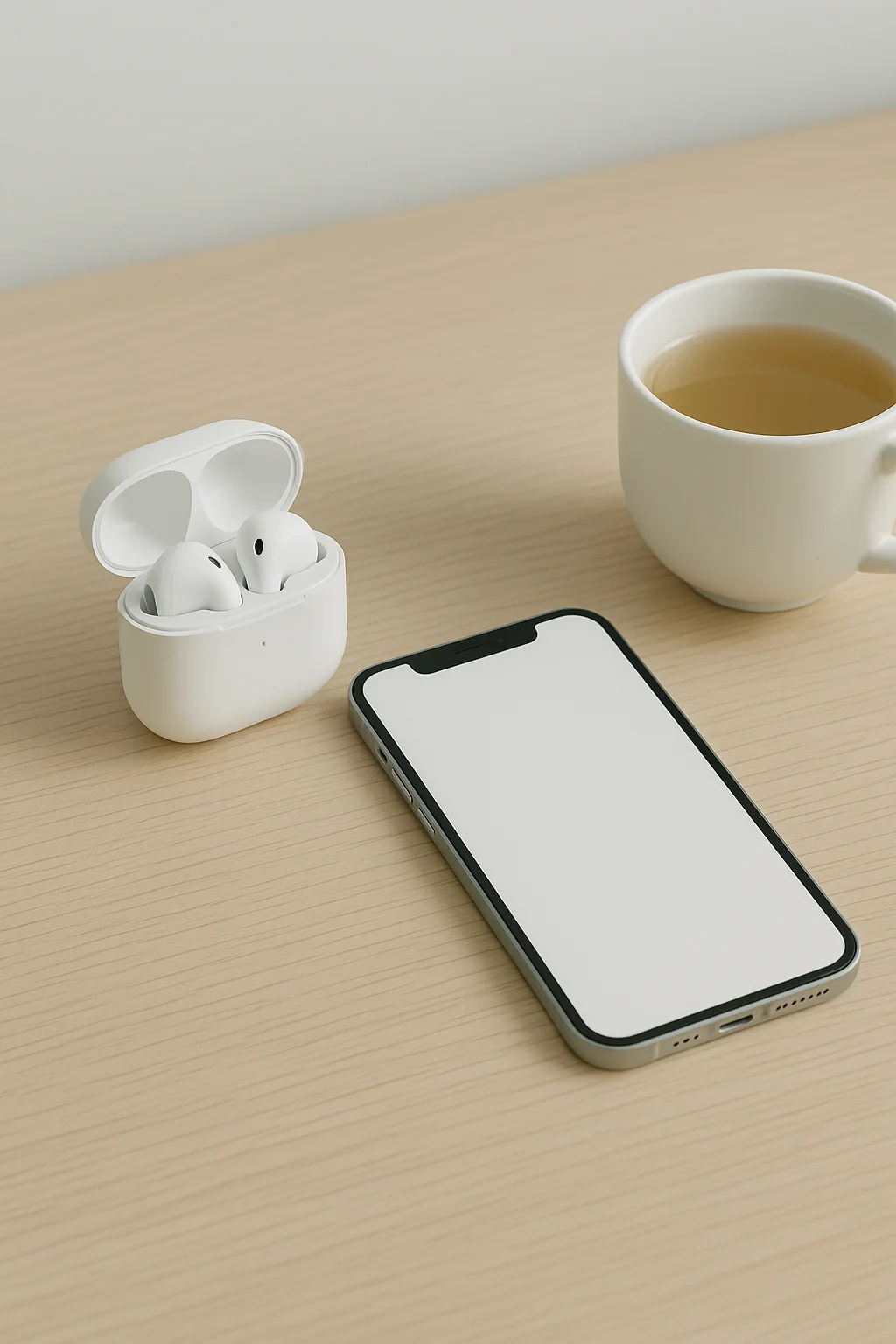
Describe which moments of the day become more comfortable
e.g., Wireless earbuds that cancel out subway noise on your commute
One large shot of the device
Take the first shot on a white background showing the entire device. If the device has a screen, turn it off or leave it a solid color so small text and icons don't blur.
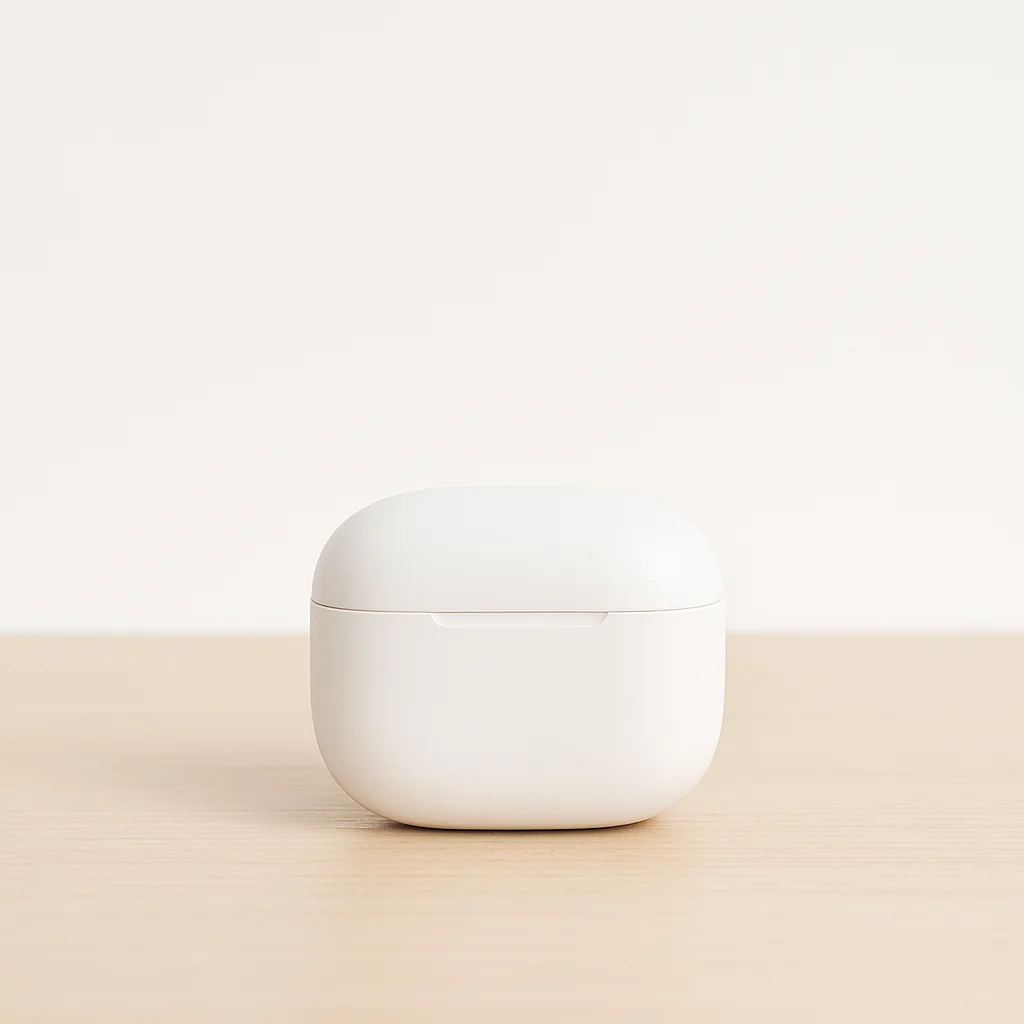
※ STEP 2 · Three numbers — Choose the metrics buyers compare first, and write the measurement conditions (brightness, volume, temperature) right below. Numbers without conditions will lead to inquiries asking "why is it different".
Show it in use
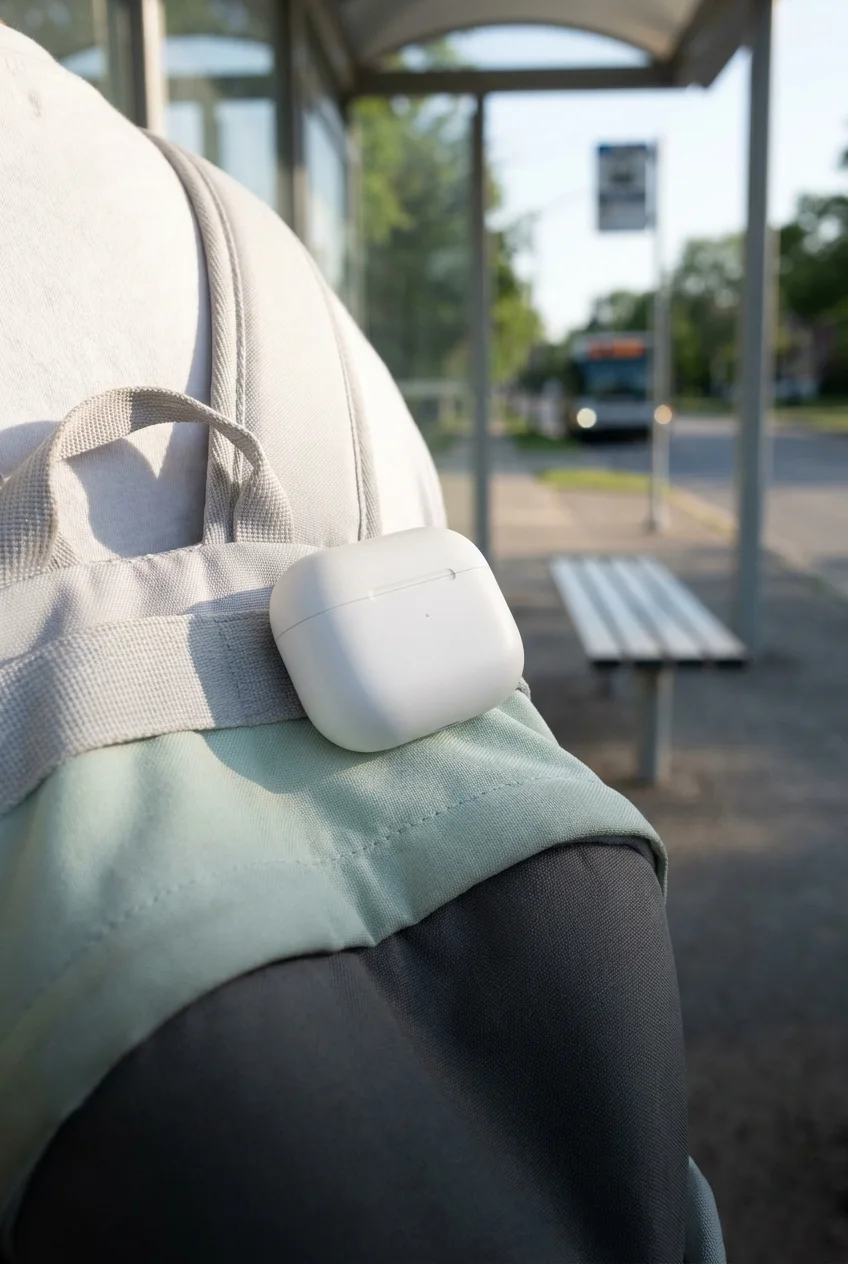
Instead of "noise canceling", show a scene using it on the subway. Instead of "fast charging", show a 10-minute charge before work. One photo and two lines of text per feature is enough.
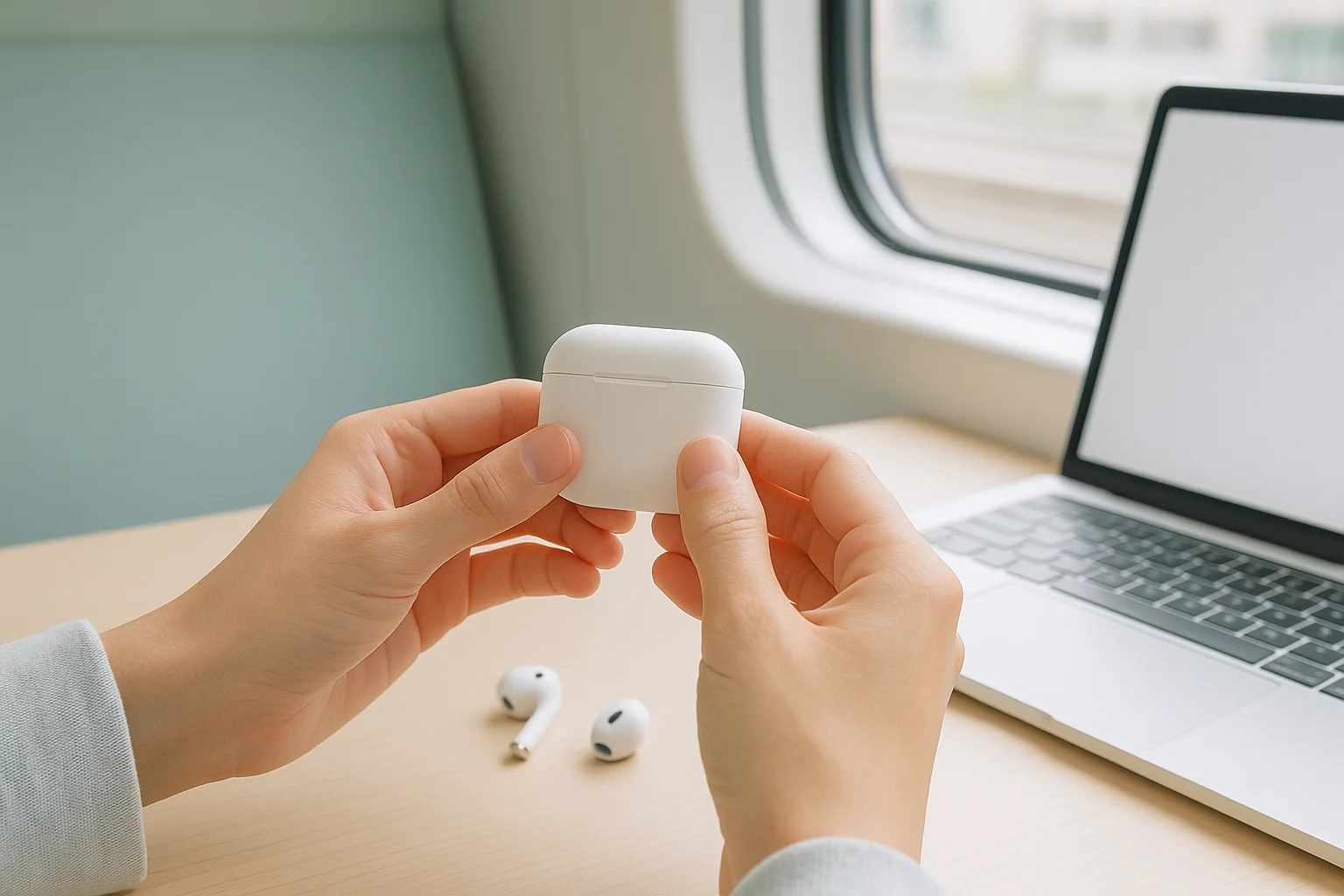
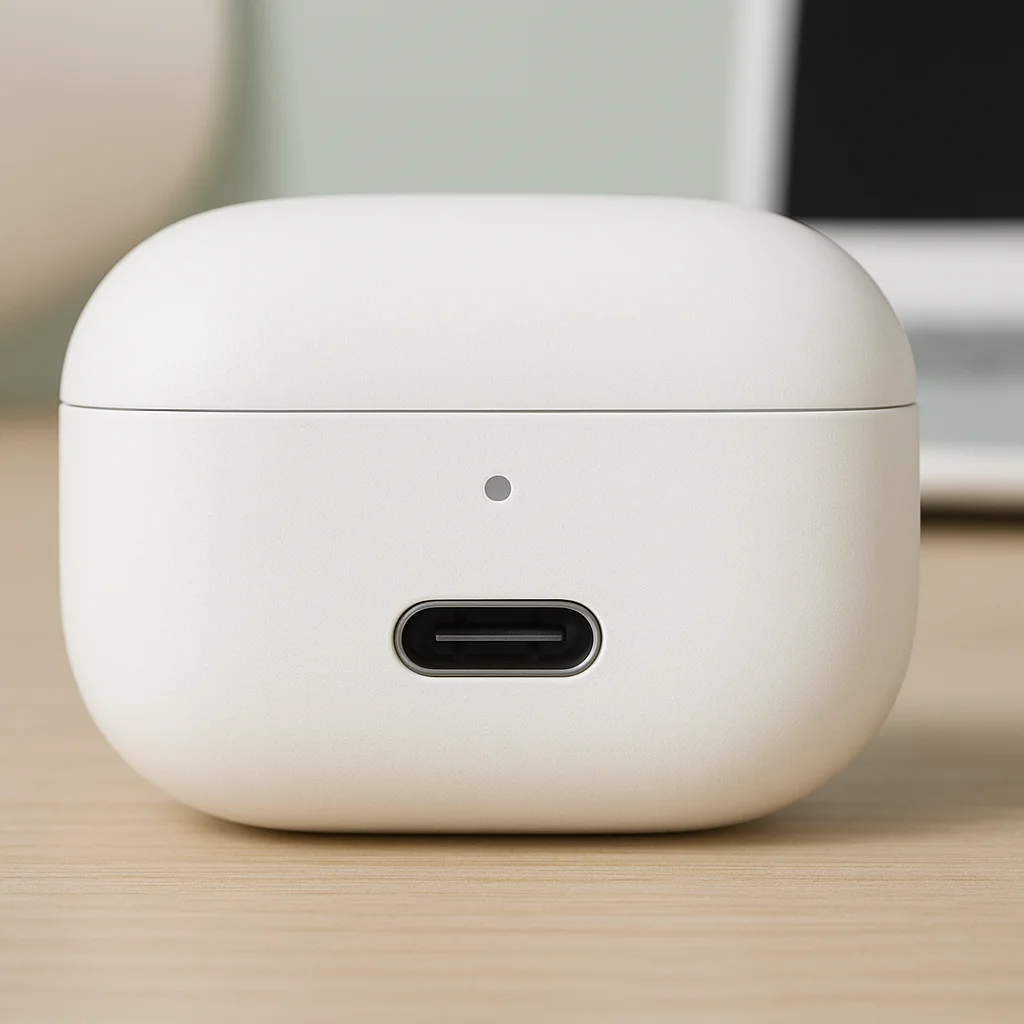
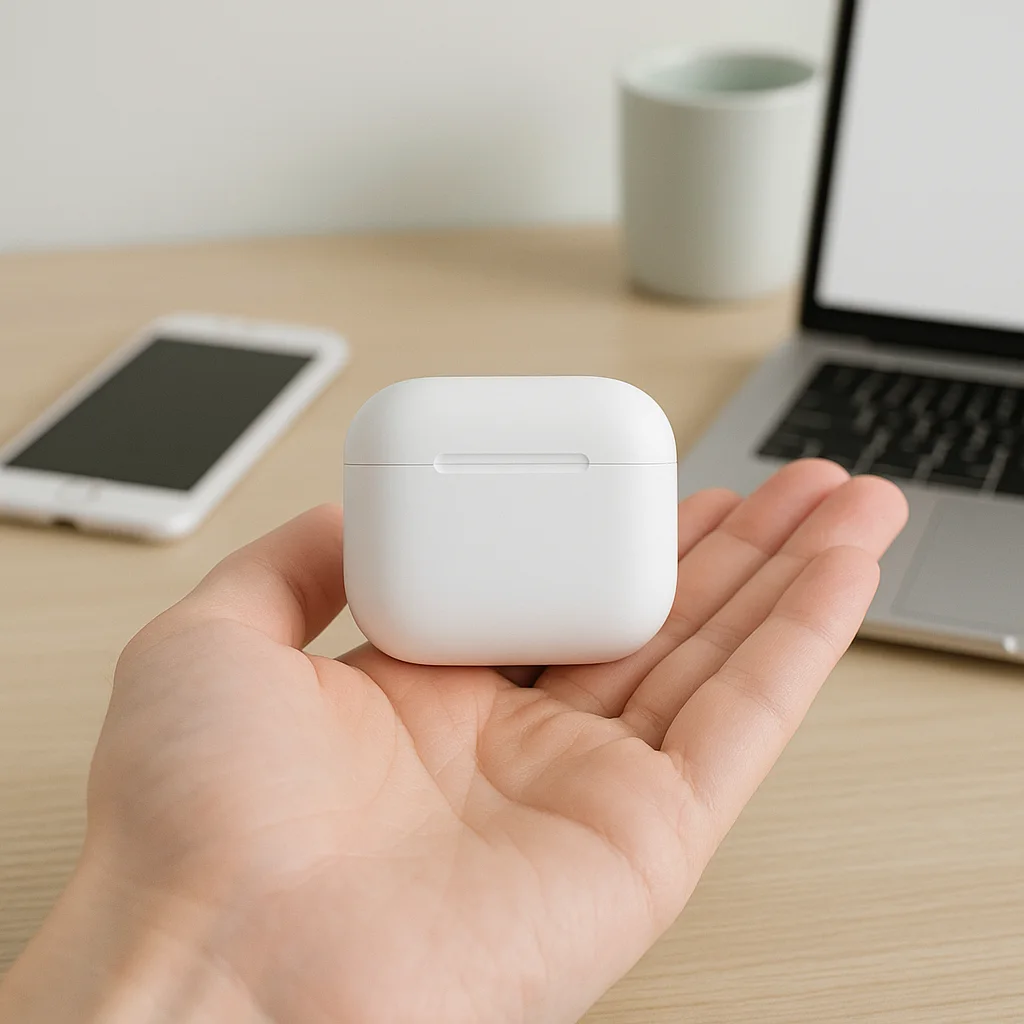
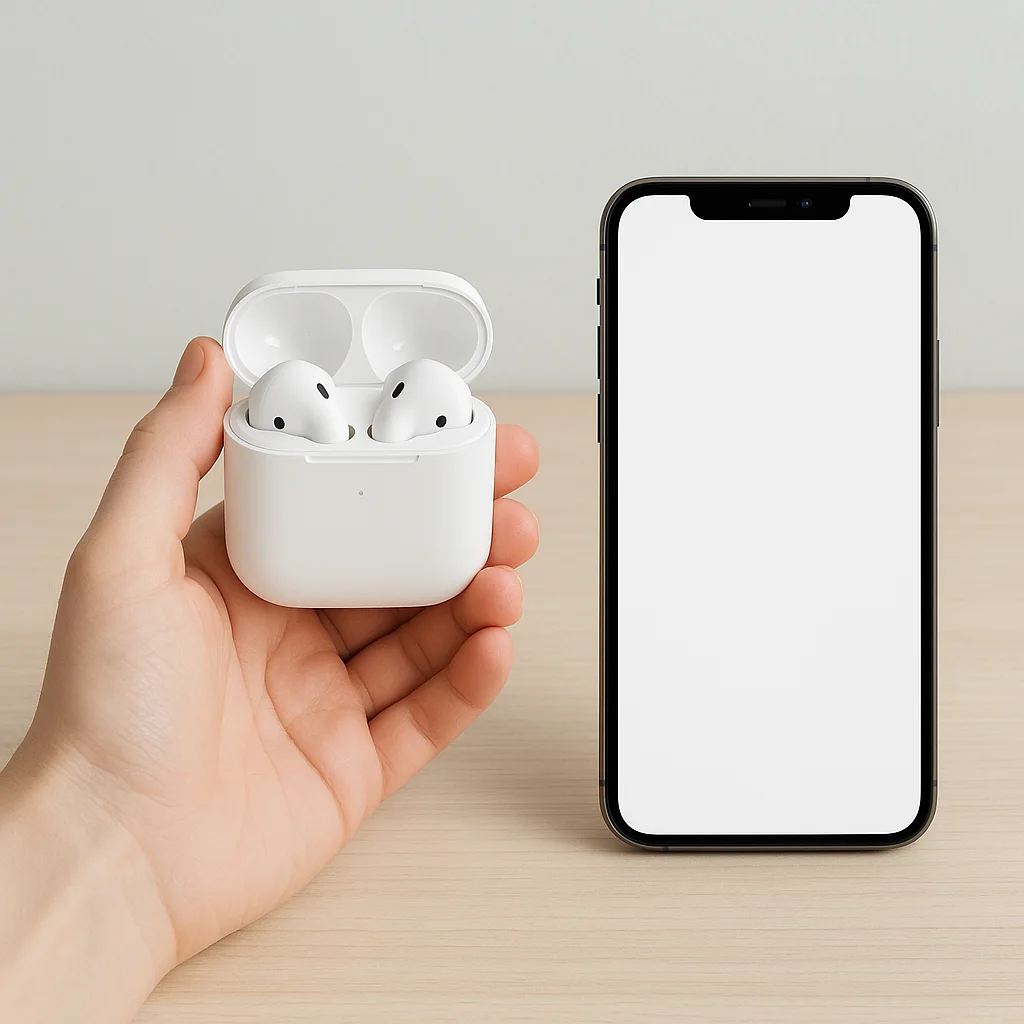
Large photo placed on a hand
Buyers who only look at dimensions often return items saying "It's bigger/smaller than expected." Place it next to something everyone knows the size of, like a palm, pocket, or bag, and make this photo fill the screen width.
| Step 5 · Compatibility | Android | iOS | Windows · macOS |
|---|---|---|---|
| Connect | Ex) Bluetooth 5.3 | Ex) Bluetooth 5.3 | Ex) Bluetooth · USB-C |
| Companion app | Ex) Yes | Ex) Yes | Ex) None |
| Unavailable features | Ex) None | Ex) Call voice assistant | e.g., Firmware update |
| Minimum version | Ex) 10 or higher | Ex) 16 or higher | Ex) Latest version recommended |
※ STEP 6 · Performance comparison — Comparing with your previous model is safest. When comparing with other brands, only use test results under the same conditions, and disclose the testing facility and date.
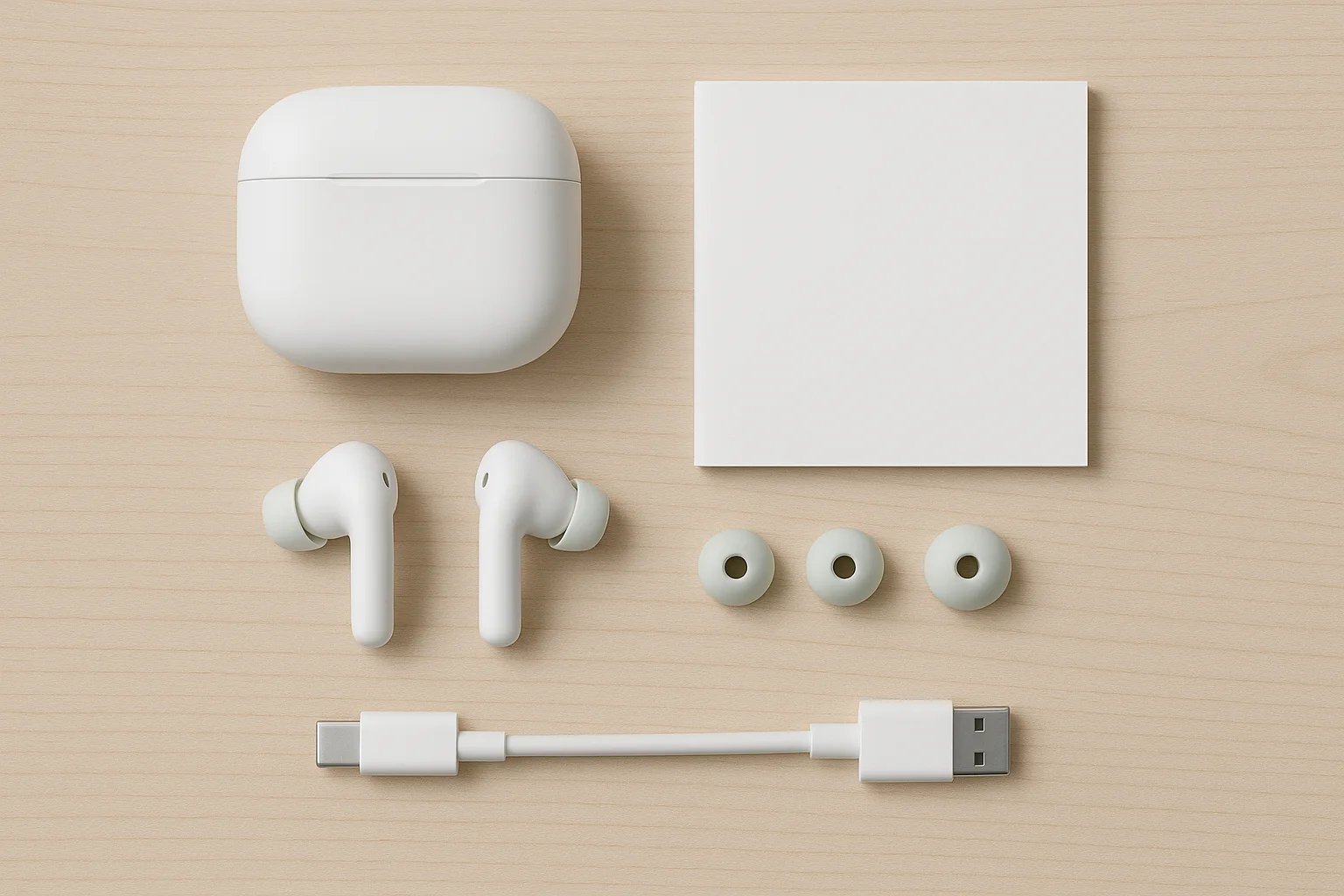
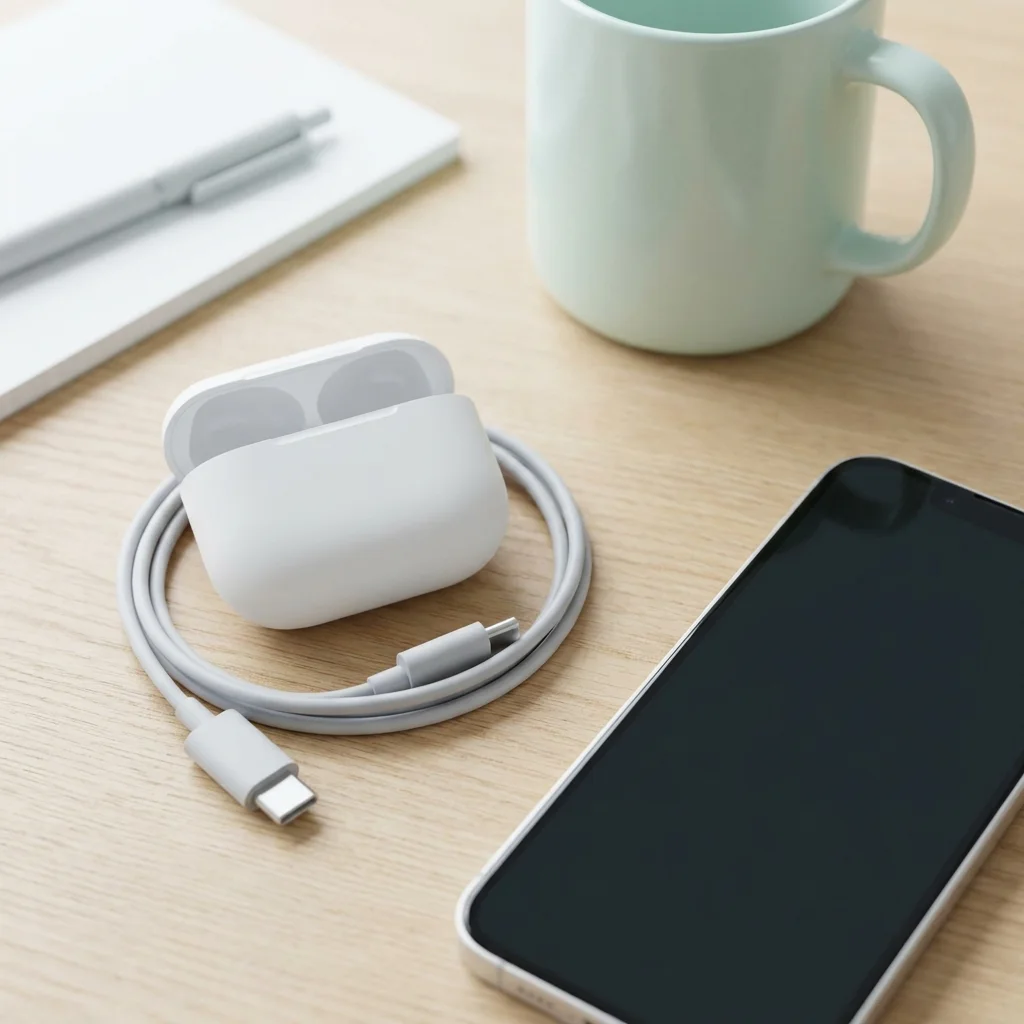
- Main unit and chosen color
- Cable type and length, whether a charging adapter is included
- Manual & warranty
- Replacement parts like extra ear tips and filters
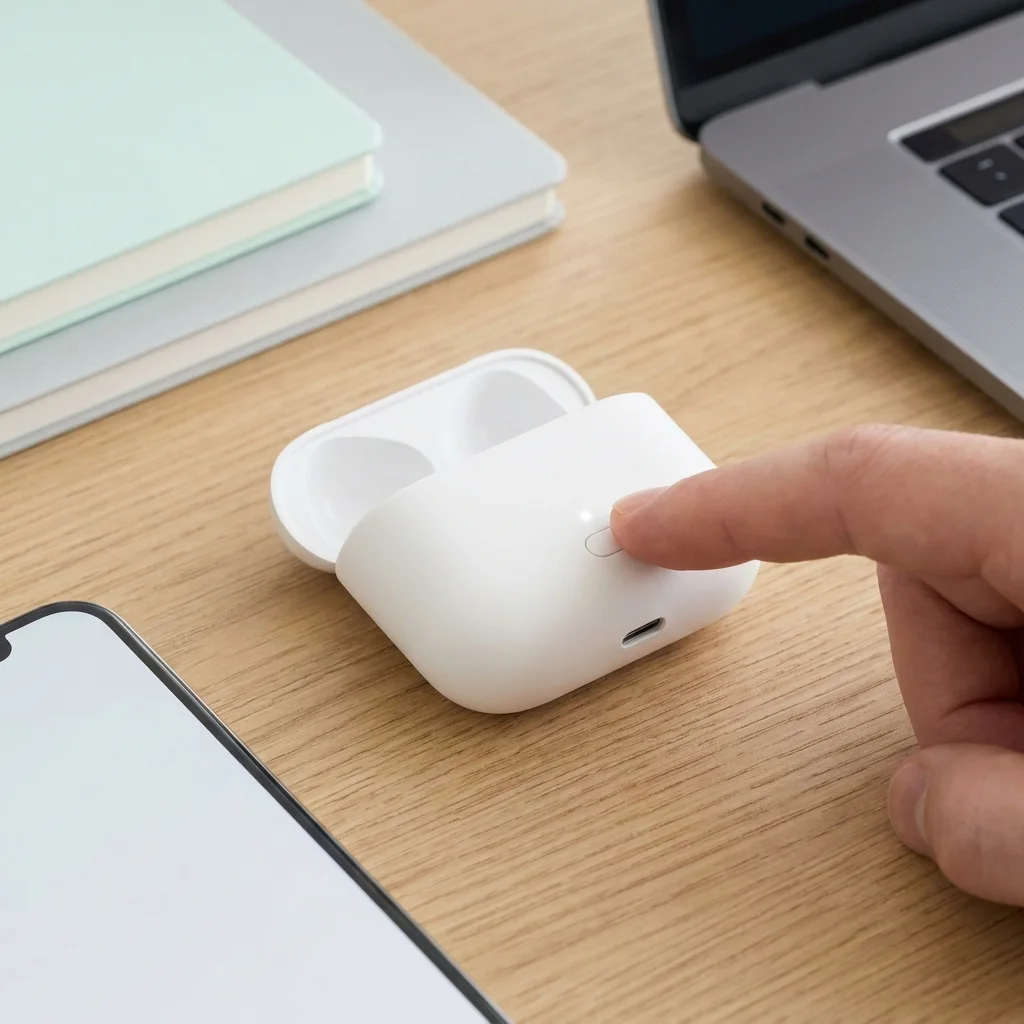
Three scenes of the initial setup
Writing down how many seconds to press the button and what color the light changes to will reduce "it won't turn on" inquiries.
| Product name / Model | Please enter the product name and model name. |
| KC certification info | Please copy the certification number exactly as it is |
| Rated voltage · Power consumption | Please specify the product labeling standards. |
| Release month and year | Enter the year and month of the first release |
| Manufacturer / Importer | Enter seller’s business name |
| Country of origin | Please specify country of origin |
| Dimensions · Weight | Please write the main device and case separately |
| Warranty policy | Please list the warranty periods for the device and battery separately |
| A/S contact and phone number | Please enter your contact number and operating hours |
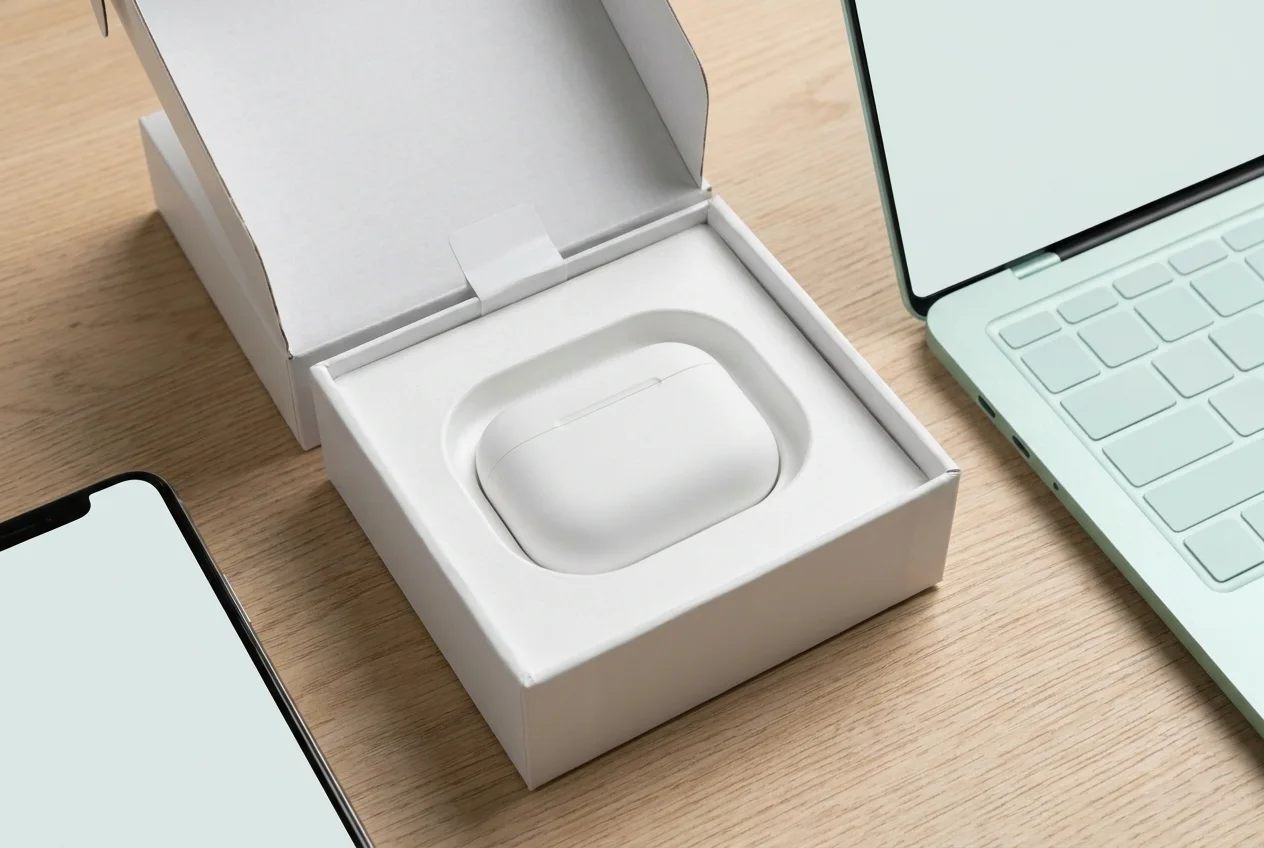
Show the packaging method
Show how the base, cushioning, and seal stickers are used in a single image. If there is an authentic seal, add a note not to accept boxes with broken seals.
Instead of repeating the same thing Answer what the buyer will ask next
Best-selling device product pages are tens of thousands of pixels long, but most of the length comes from the four things below.
- 1Show daily or seasonal usage scenes with one large photo each
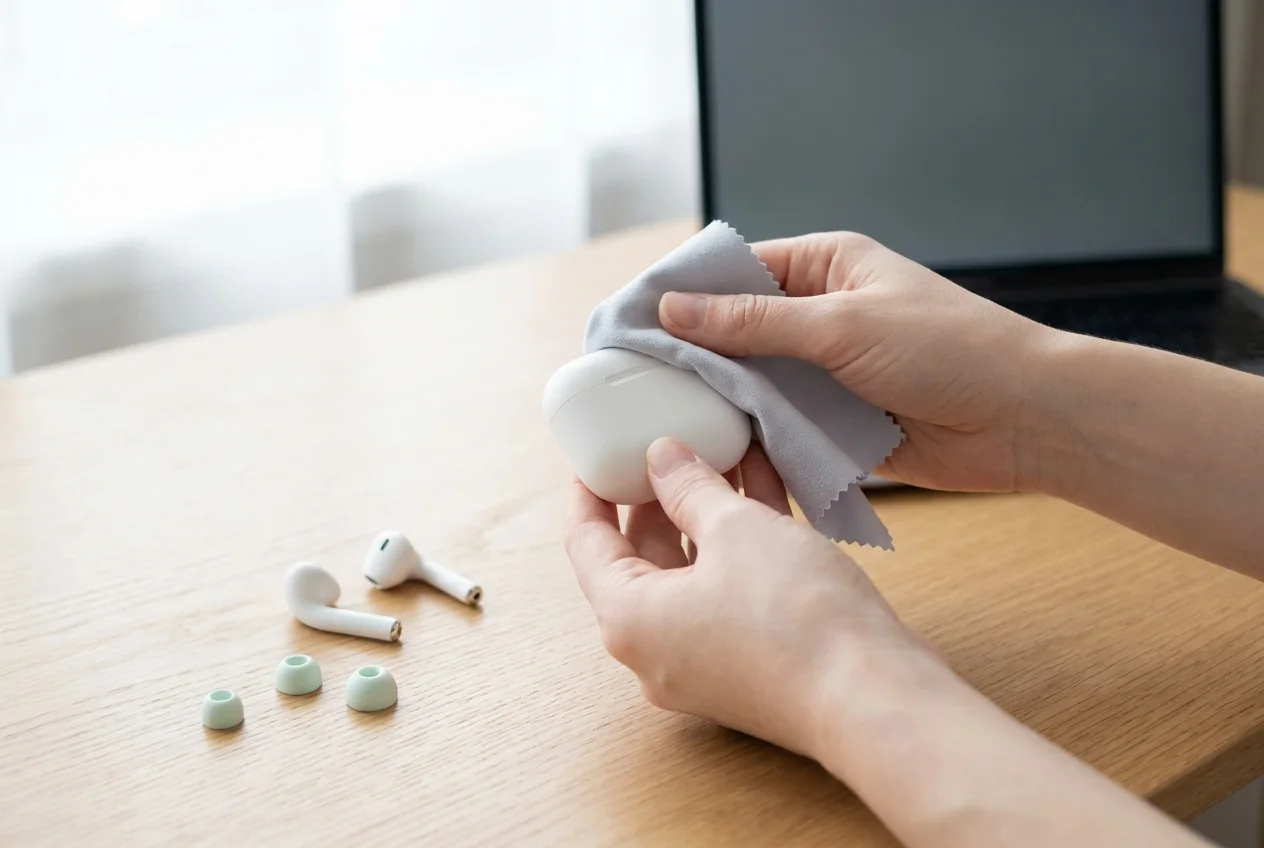
- 2Care and storage instructions in order (example below)
- 3Up to 5 FAQs for "Is this possible?"
- 4Two or three reviews from different types of users
With one photo and three lines
Show cleaning tools, detergents to avoid, and how to store it when not in use for a long time. Pages with care instructions definitely reduce "I think it's broken" inquiries.
Copy real reviews as they are. Reviews mentioning which phone or laptop they use it with will reduce compatibility inquiries.
- Please enter the shipping cutoff time, delivery period, and whether installation or visit is required
- Please write how the return criteria change depending on the seal, protective film, and registration status.
- 1Did you write the test conditions for each number?
- 2Are there any texts or other company logos visible on the screen in the photo?
- 3Do the component photo and list match?
- 4Did you include the KC certification number in the product disclosure table?
Write how this device changes a day in one line
If there are discounts, gifts, or deadlines, put them here