Set section order
Buyers read from top to bottom and ask questions in order. A good structure answers those questions in sequence.
- What is this? — Hero and one-line headline
- Why is it good? — Key points, feature cards
- Really? — Numbers, certifications, before/after, reviews
- Is it right for me? — Size chart, specs, comparison table
- Is it safe to buy? — FAQ, shipping/returns, purchase prompts
Changing this order lowers conversion. For example, if the size chart is at the bottom, users curious about size may leave before seeing it.
Category-specific differences
| Category | What to show first |
|---|---|
| Fashion & accessories | Highlight → Image → Highlight section |
| Beauty | Number highlight → Section title → Key points |
| Food | Number highlight → Highlight section → Graph metrics |
| Living & interior | Number highlight → Lineup · configuration → Highlight section |
| Digital & electronics | Number highlight → Highlight section → Feature card |
| Health & medical devices | Number highlight → Key points → Highlight section |
| Baby & maternity | Feature card → Section title → Highlight section |
| Pet supplies | Highlight → Graph metrics → Highlight section |
| Sports & leisure | Number highlight → Highlight section → Graph metrics |
| Other | Number highlight → Section title → Key points |
How to write copy
The goal of product page copy is to remove doubt, not just look good. Follow these four rules for copy that gets read.
1. Turn adjectives into numbers
Instead of 'very light', say '750g, easy to hold in one hand'. Instead of 'long-lasting', say 'keeps its shape after 50 washes'. Don't use unverifiable numbers, but always use real ones.
2. Focus on benefits, not features
'3-stage HEPA filter' is a feature. 'Clean air safe for your child's room' is a benefit. Use features as supporting evidence.
3. Keep paragraphs under three lines
On mobile, lines longer than three can be hard to read. Break up long descriptions into key point blocks.
4. Headline: 25 characters or less
Text above the hero should be readable at a glance. Breaking it into two lines improves readability.
Prepare images
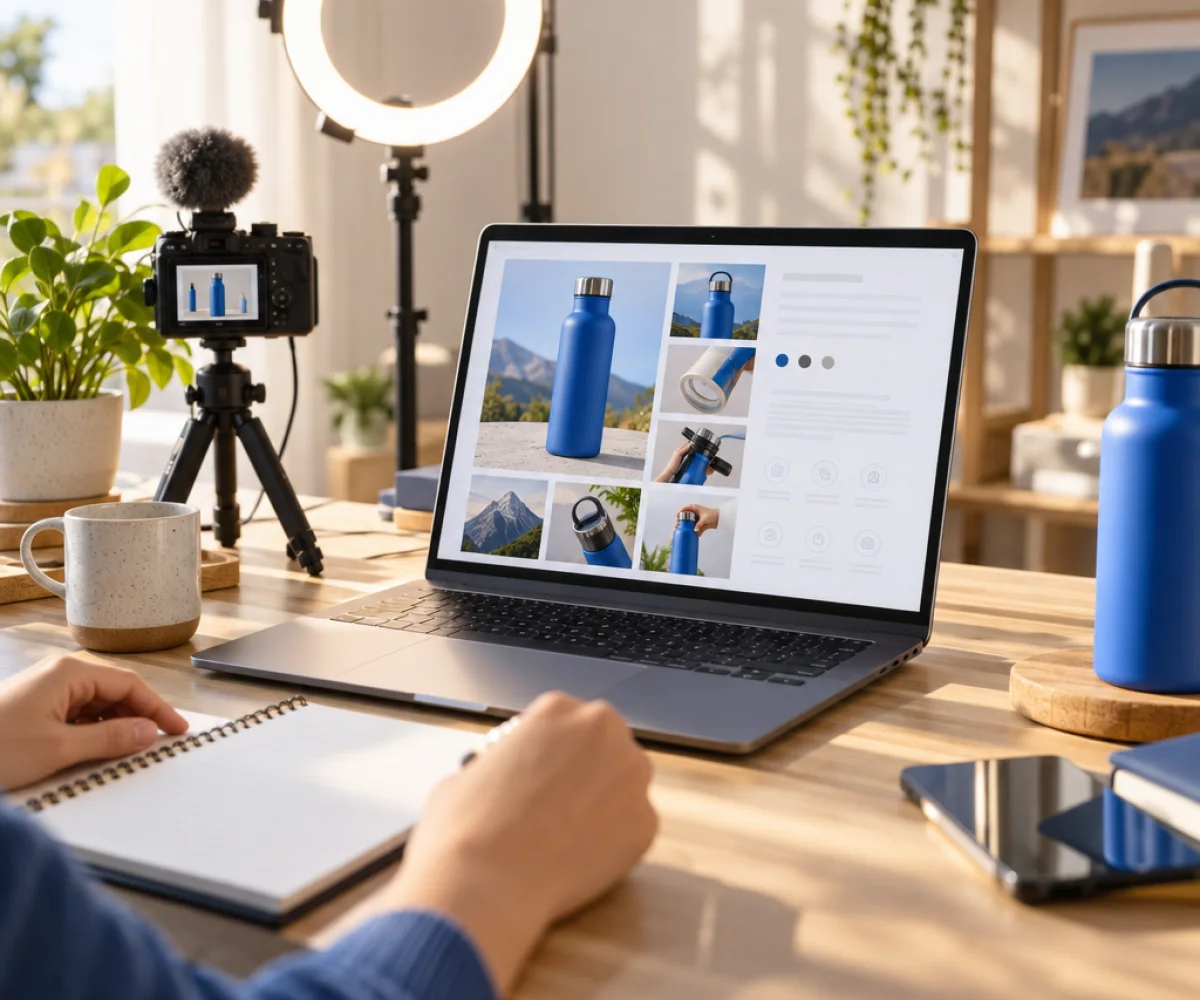
Images make up over 70% of a product page. Composition matters more than equipment.
- 1 hero — Best angle of the product, with plenty of space around it
- 2–3 detail shots — Show quality details like material texture, stitching, and finishing
- 2–3 lifestyle shots — Show real-life use. Include other items for size reference.
- 1 shot of included items — Everything in the box, shown when opened
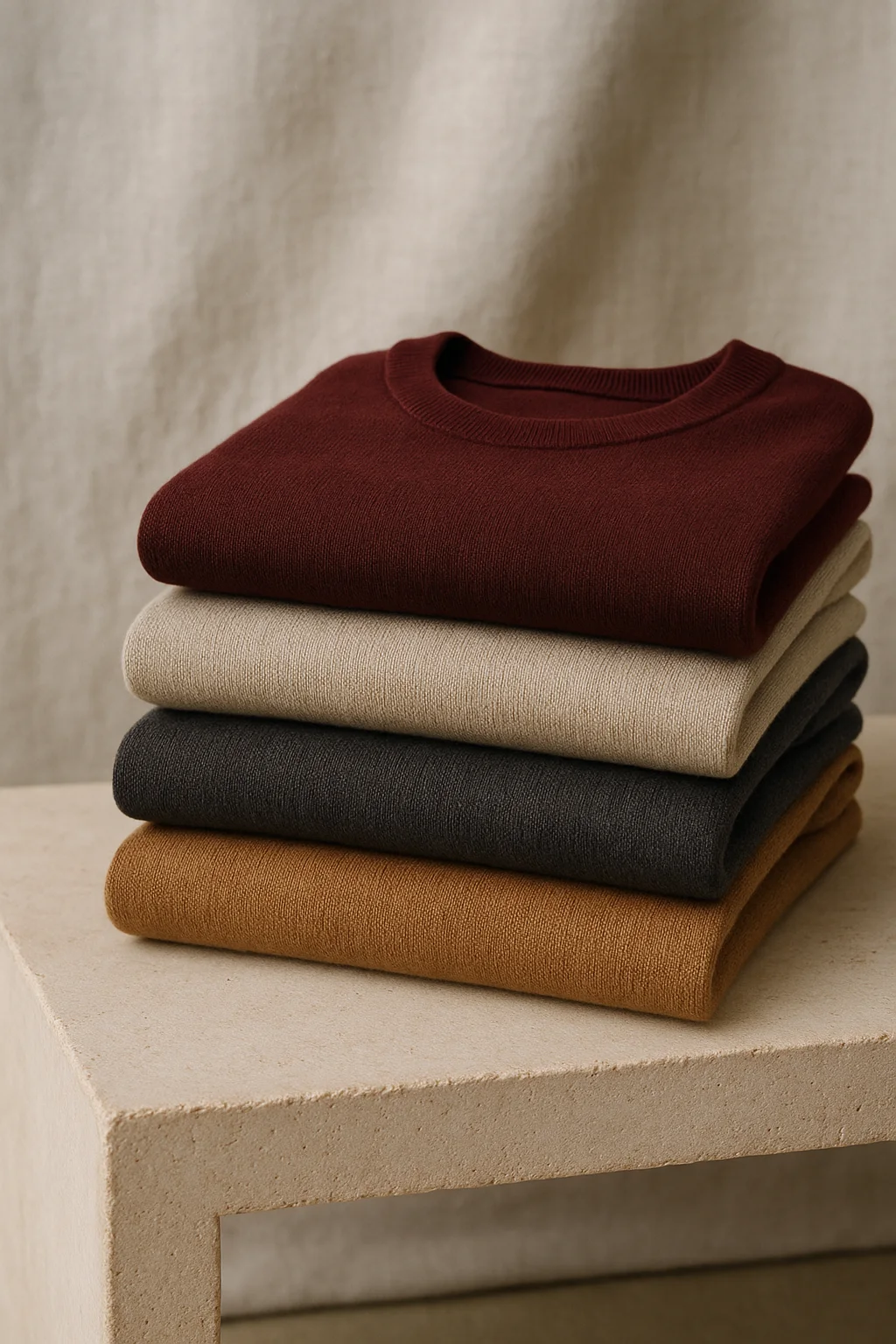
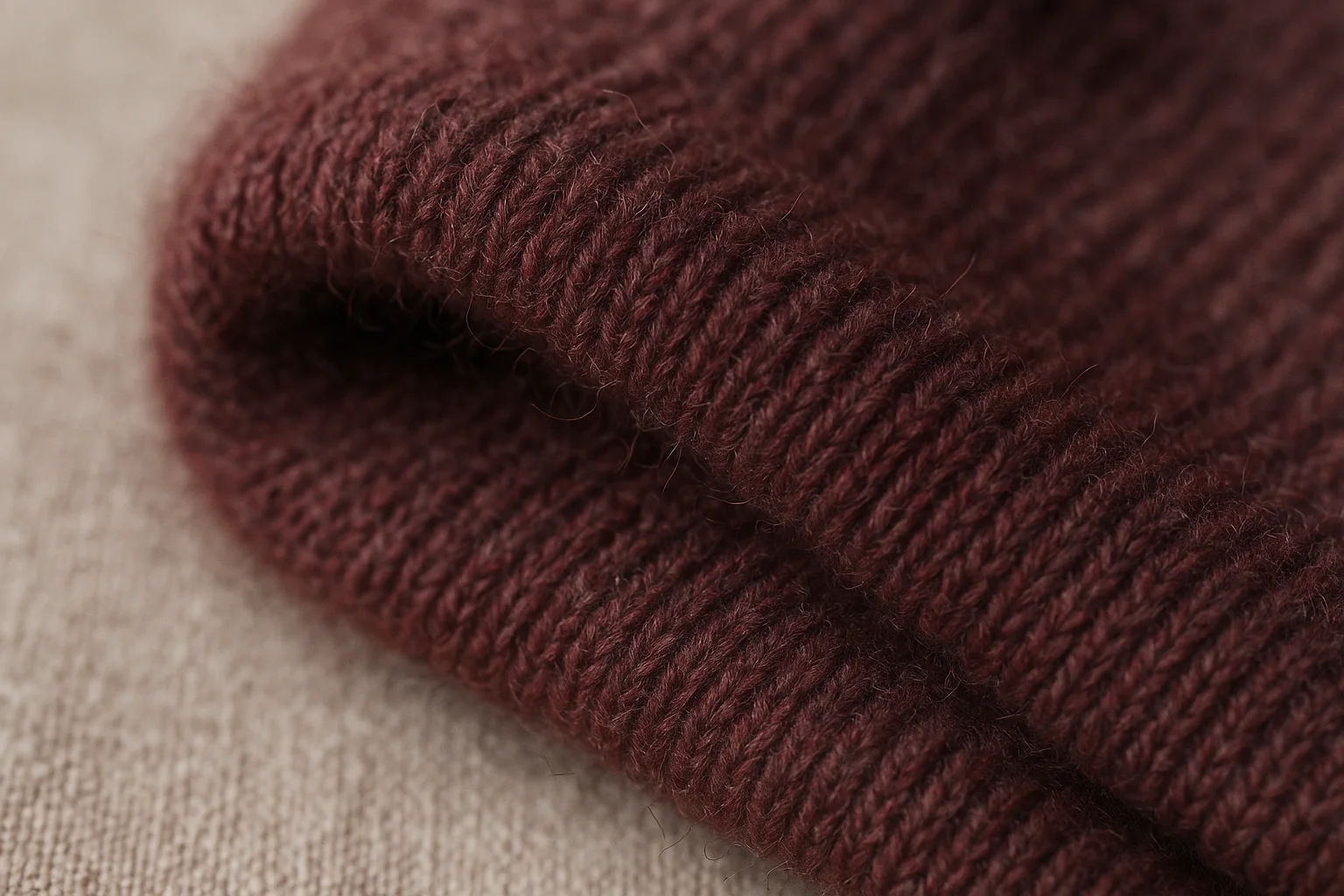
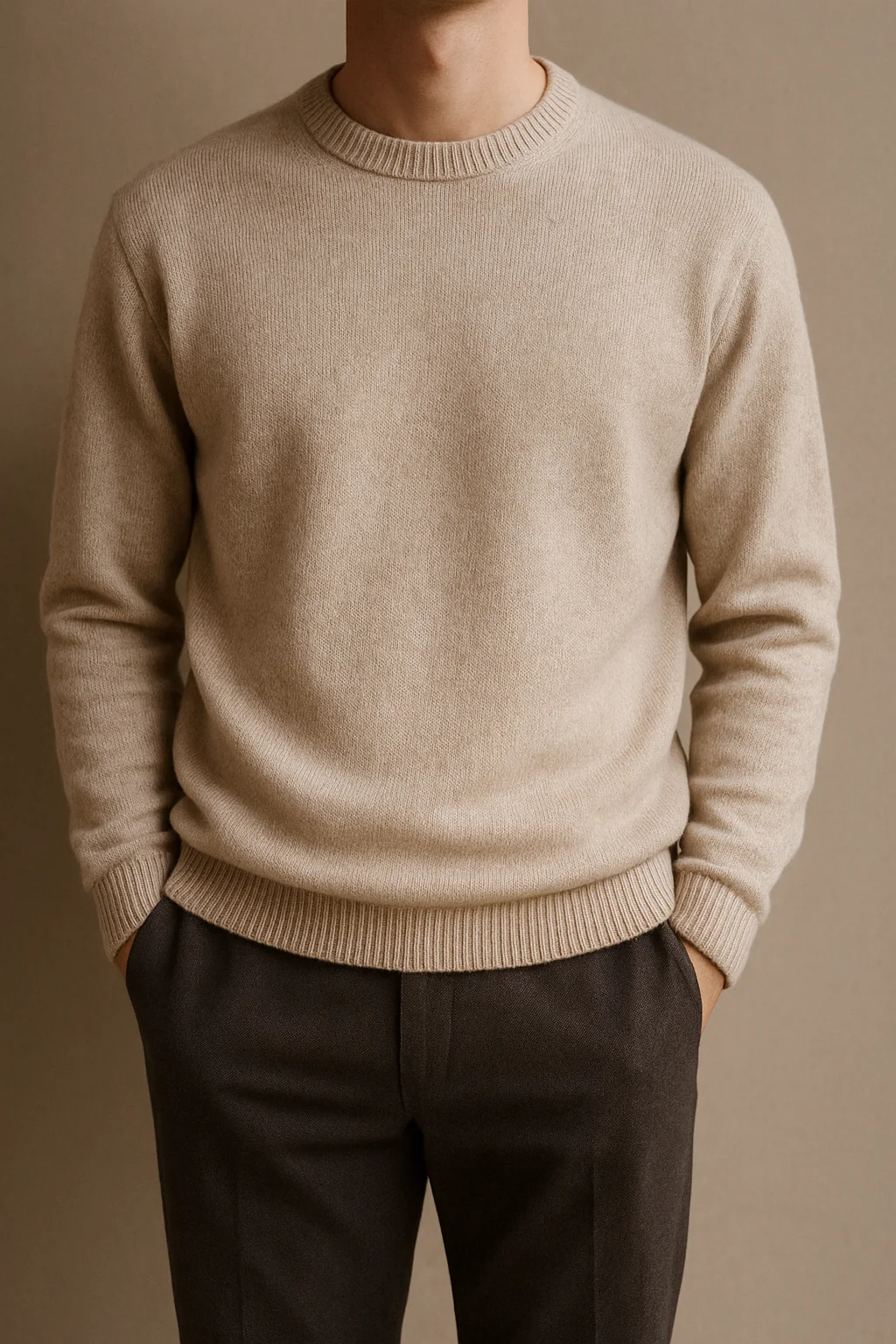
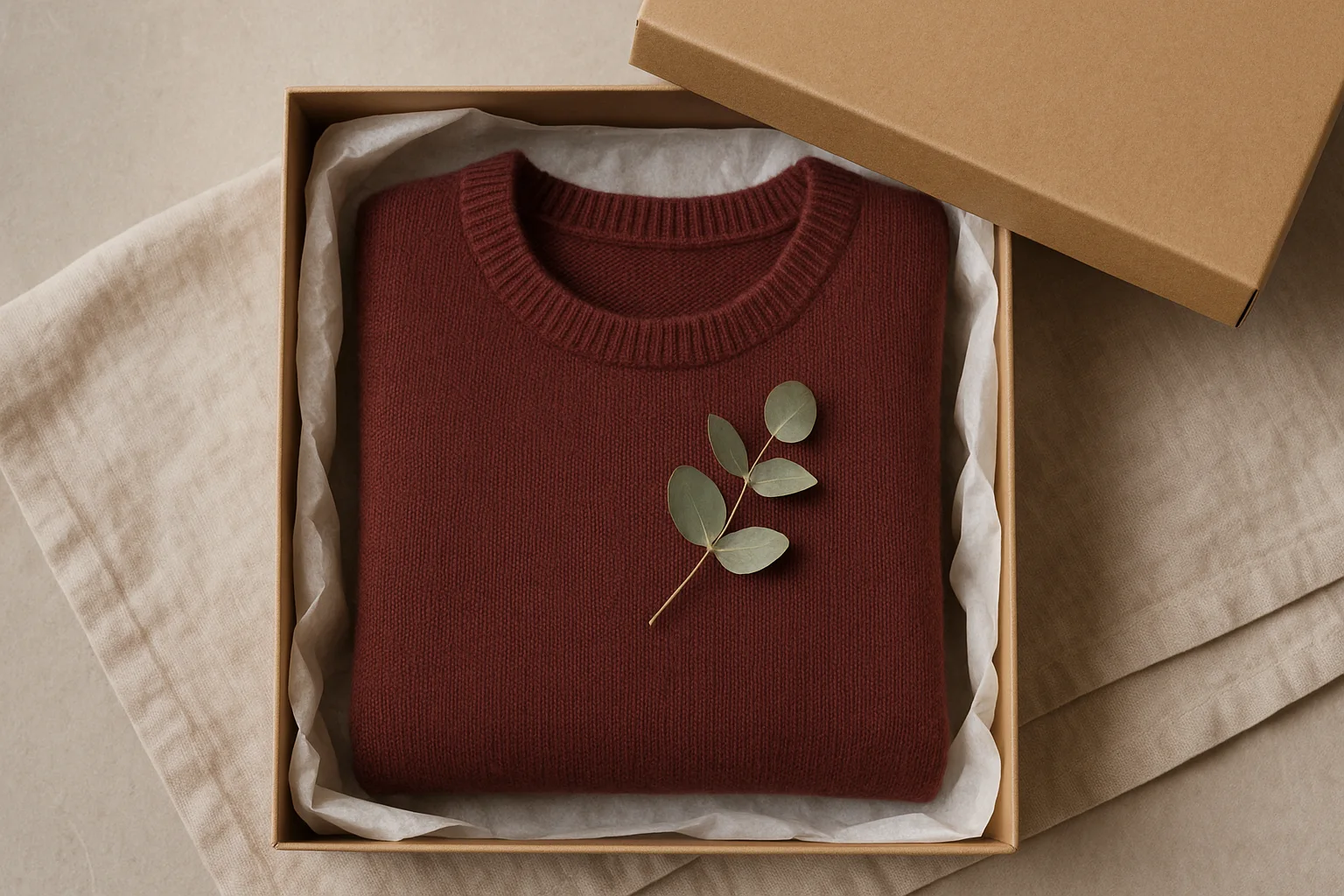
For photos with a solid background, use background removal to cut out the product and reuse it in feature cards or comparison tables. If you don't have suitable photos, use AI image generation to create a temporary lifestyle shot and replace it later with real photos.
Phrases to avoid
Violating advertising rules can result in fines and sales suspension. The following phrases are problematic without supporting evidence.
| Phrases to avoid | Alternative |
|---|---|
| Best · No.1 · First | Only use with evidence (awards, research sources) or avoid |
| 100% · Perfect · Absolute | Replace with specific test results |
| Cure · Improve · Prevent (for general products) | Only use within the approved scope for health/medical products |
| No side effects · Harmless | List specific test-passed items |
| Doctor recommended · Supplied to hospitals | Do not use without evidence |
| Only in Korea · Patent (pending) | Only use "patent" if registration number is available |
Sellers are responsible for AI-generated text. For food, cosmetics, health supplements, and medical devices, check all relevant laws and review standards.
Upload by channel
Each channel has different recommended widths and file sizes. In ssokpage, presets automatically adjust these for you.
| Channel | Width | Split height | File size per image | Note |
|---|---|---|---|---|
| Naver Smart Store | 860px | 4,000px | 10MB | Recommended width 860px · Up to 10MB per image · No height limit |
| Coupang | 780px | 3,000px | 5MB | Recommended width 780px · Up to 5MB per image · Split upload recommended |
| 11st | 800px | No split | 10MB | Recommended width 800px |
| Gmarket · Auction | 860px | 4,000px | 10MB | Recommended width 860px |
| Amazon A+ | 970px | 600px | 2MB | A+ standard image module 970×600 · Up to 2MB per image |
| Shopify | 1200px | 4,000px | 20MB | Max side 4472px · Up to 20MB. You can also paste the HTML export into the product description. |
| Cafe24 / Own store | 1000px | No split | 20MB | Use with HTML export for responsive layout |
Split upload order
Numbers like _01, _02 are added to the end of filenames. Upload them in order to keep the top-to-bottom flow. If you mix up the order, the context may break, so check the preview after uploading.
Final checklist
Check these items before exporting.
CLASSROOM
Want to learn more?
Join our free live classes in the Classroom to break down real product pages together.
Go to Classroom